Auto lap & GPS
Record a track session with GPS speed and lap information. Review times and saved sessions after your run.
ON-TRACK TOOLS
Your track day. Your data. One smarter place to record, compare and improve.
For motorcycles, cars, karts—and the mechanics and friends timing laps from the pit wall. Discover the next generation of MotoCoach.
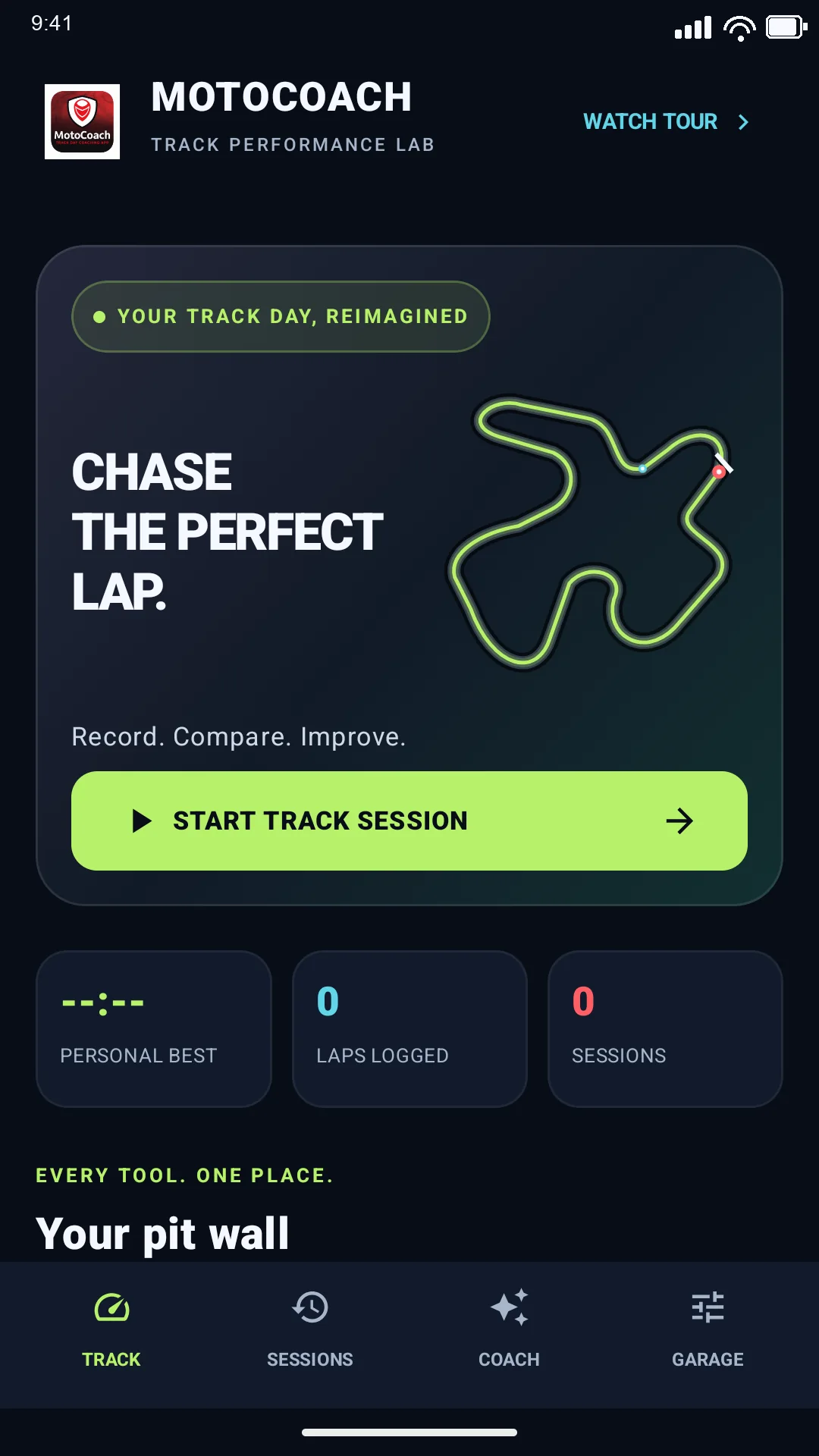
Stop juggling notes, stopwatches and separate apps. MotoCoach brings track-day information together, with the rider's focus where it belongs: on the circuit.
Record a track session with GPS speed and lap information. Review times and saved sessions after your run.
A separate, large-control stopwatch for mechanics, helpers or friends recording every completed lap.
Bring video together with recorded GPS and timing information, then review the session off track.
See best, average and consistency from recorded laps. No imaginary braking points or invented lean-angle data.
Keep track of tyres, pressures, vehicle, circuit and setup notes, ready for your next session.
Review straightforward lap-time feedback and suggestions for what to measure next. Advanced AI coaching is still being developed.
One minute. The feeling of a track day. And a look at how MotoCoach can help riders, drivers and the people supporting them.
i The film includes illustrative motorsport scenes and clearly labelled demonstration app data; they are not recordings from a customer's track session.
The redesigned Android 2.0 interface—real app screens from the development build, including sample-labelled race analysis.
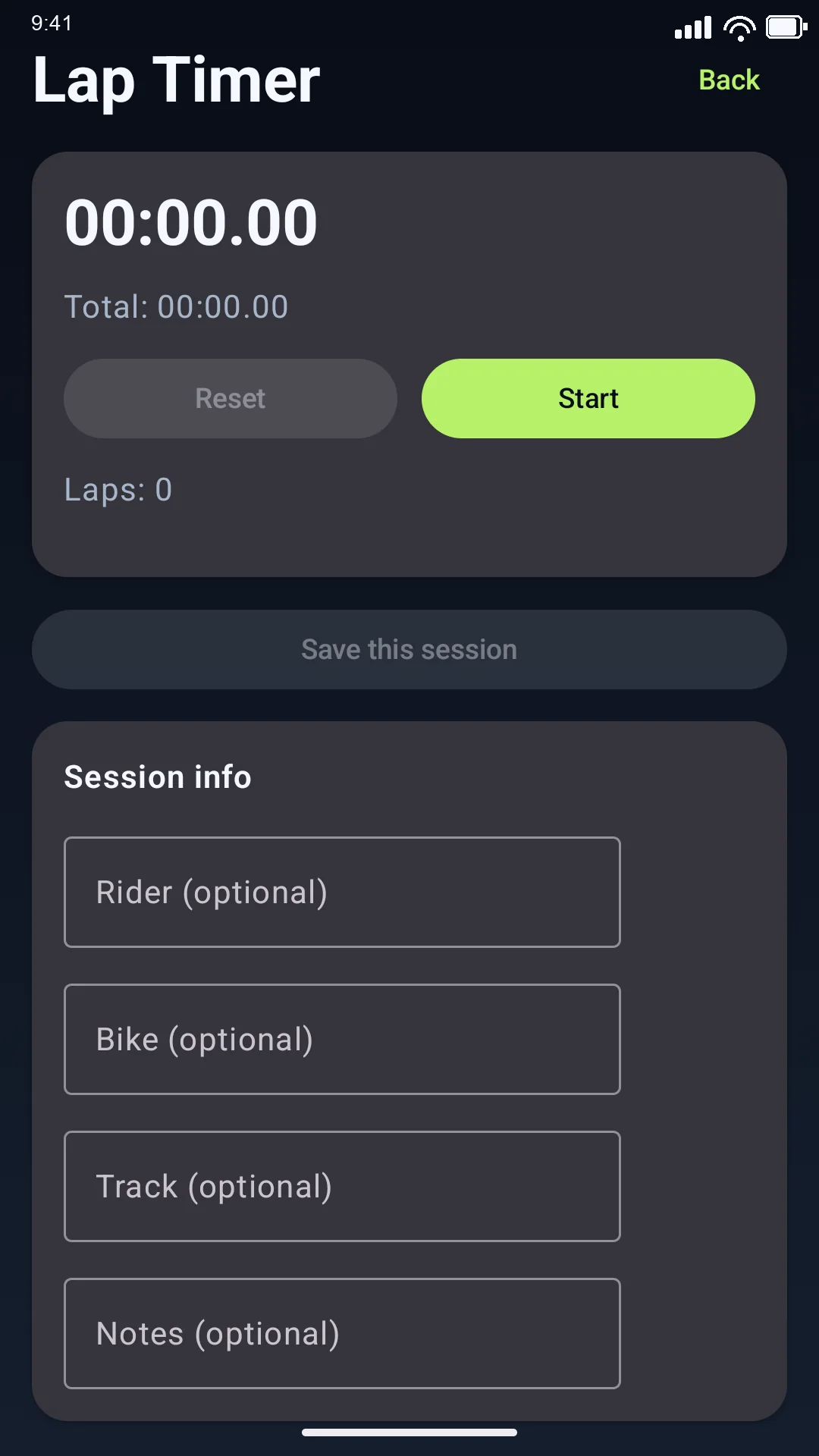
When you're on track, the last thing you need is a screen in your hands. Let a mate, mechanic or someone on the pit wall handle the stopwatch.
Start timing, record completed laps and add session notes without a complicated setup.
Keep track names, lap history and relevant context together.
Talk through the times and setup changes with your crew between sessions.
One aim: help you learn from the day without getting in the way of riding or driving.
Save the vehicle, track and starting setup before heading out.
Capture your session, or have your pit crew use the manual timer.
Compare your laps, save what worked and make a considered plan for the next run.
MOTOCOACH IS FOR CLOSED-CIRCUIT USE. SET UP ALL RECORDING BEFORE MOVING. NEVER INTERACT WITH A PHONE WHILE RIDING OR DRIVING. PHONE GPS IS NOT OFFICIAL RACE TIMING.
Clear answers, before you head to the circuit.
More frequently asked questions ↗Yes. The 2.0 development build includes a separate manual stopwatch and session fields designed for pit-wall helpers. It does not require them to be on the motorcycle or in the car.
The MotoCoach 2.0 design supports a vehicle choice for bikes, cars and karts. The feature set and availability can differ between the currently available iPhone app and the unreleased Android version.
No. MotoCoach 2.0 for Android is being prepared for Google Play testing. The screenshots and video on this page demonstrate that development version, not a live Android store download.
The 2.0 preview uses recorded lap times to calculate useful summaries; example charts are explicitly marked sample data. It cannot infer lean angle, grip or exact braking points without appropriate sensors. More advanced AI coaching is planned.
No. Mount and configure devices safely while stationary. Never interact with an app while moving, and follow circuit rules and official track-day briefings.
The phone-based features are designed to work without a separate dedicated timing system. Device GPS and camera quality affect results; a phone does not replace an official timing transponder.
Record the session. Compare the data. Make the next one count.
The iPhone App Store listing is live. The new 2.0 screenshots and tour show a development preview; Android release and paid subscriptions are not yet live.